Datalogging Basics for Beginners
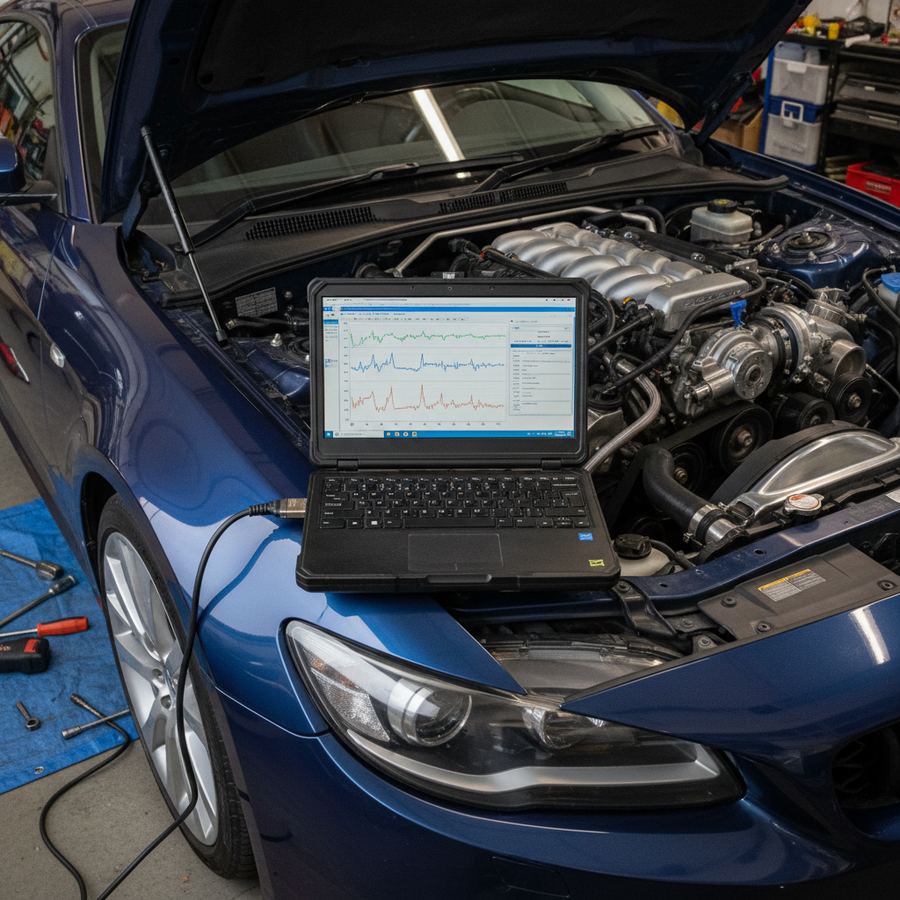
Datalogging is the single most important skill you can develop as a car enthusiast who tunes or modifies vehicles. It is the difference between knowing what your engine is doing and guessing. Every tuner who has ever saved an engine from a bad fuel pump, caught a boost leak before it caused damage, or verified that a tune revision actually worked did it by reading logs. This is how you get started.
What Datalogging Actually Is
Datalogging is recording the real-time sensor data from your engine's ECU while you drive. Your car's computer is constantly reading dozens of sensors: air-fuel ratio, manifold pressure, coolant temperature, knock sensor output, throttle position, fuel trims, ignition timing, and many more. All of this data is available through the OBD2 port under your dashboard.
A datalog captures this information at regular intervals (typically 10-50 times per second depending on the parameter and tool) and saves it as a file you can review later. Instead of staring at a gauge while driving, you record everything and analyze it safely at home.
What Tools You Need
The tool you need depends on your platform and budget. Here are the main options:
HP Tuners (MPVI2 or MPVI3). The standard for GM vehicles and increasingly popular for Ford and Dodge. HP Tuners gives you access to every PID (parameter ID) the ECU monitors, which can be hundreds of channels. It also lets you tune the ECU, but you can use it purely for logging without changing anything. The hardware costs $300-$600 plus vehicle-specific credits. The VCM Scanner software is included and is excellent for logging and analysis.
Cobb Accessport. The go-to for Subaru, Ford (EcoBoost), Mazda, Nissan, and some other platforms. The Accessport plugs into your OBD2 port and can both flash tunes and record datalogs. It monitors a solid set of PIDs and stores logs directly on the device for later download. Hardware runs $500-$700 depending on the version. The built-in logging is simple to set up and good enough for most diagnostic work.
EcuTek. Popular for Subaru, Nissan, and some Toyota platforms. EcuTek provides detailed logging capability and a full tuning suite. The software requires a dongle and platform license. The logging resolution is excellent and the analysis tools are solid.
Generic OBD2 scanners. Tools like OBDLink MX+, Bluetooth ELM327-based scanners paired with apps like Torque Pro, or standalone scan tools. These are platform-agnostic and cheap ($30-$150), but they only access standard OBD2 PIDs. You will get basic data like short-term and long-term fuel trims, coolant temp, RPM, and calculated load, but you will not get platform-specific parameters like knock retard learning, individual cylinder timing, or boost target vs actual. Good for basic health checks but limited for serious tune validation.
Standalone ECUs (AEM, Haltech, Link). If your car runs a standalone ECU, it has its own logging software. These typically provide the most comprehensive logging available because the ECU was designed for tuning from the ground up.
The PIDs That Matter
You do not need to log every parameter your ECU reports. For basic tune validation and health monitoring, focus on these core channels:
Air-fuel ratio (AFR) or Lambda. This is the most important number. It tells you how much fuel the engine is burning relative to the amount of air. Your wideband O2 sensor provides this data. On a turbocharged car at full load, you want to see your AFR hitting the target the tune is commanding (typically 11.2-12.0:1 on gasoline, or 0.77-0.82 lambda). If actual AFR is leaner than commanded, your fuel system is not keeping up.
Knock retard / knock correction. This tells you if the engine is experiencing detonation. Some amount of knock retard is normal on many platforms, but sustained or heavy retard is a red flag. This is the single best early warning system your engine has. Read more in our detailed knock retard guide.
Boost pressure (manifold absolute pressure). Compare actual boost to the target boost in your tune. If actual is consistently below target, you may have a boost leak. If actual is above target, your wastegate or blow-off valve may not be controlling boost properly, which is dangerous.
Ignition timing (actual vs commanded). The ECU commands a certain amount of timing advance based on the tune tables, then adjusts based on knock sensor feedback. If actual timing is consistently lower than commanded, the engine is pulling timing due to knock or other corrections.
Coolant temperature and intake air temperature. These are contextual parameters. A log pulled at 160F coolant temp on a cool morning will look different from a log at 210F on a hot afternoon. Knowing the conditions helps you interpret everything else.
Short-term and long-term fuel trims. These show how much the ECU is adjusting fueling to maintain the commanded AFR. High positive fuel trims at idle or cruise can indicate a vacuum leak, failing injector, or fuel delivery issue. These are less relevant at wide-open throttle on most platforms (where the ECU runs open-loop), but they are valuable for part-throttle diagnostics.
How to Pull a Good Log
A useful datalog requires a consistent, repeatable procedure. Here is a basic protocol that works for most street tune validation:
Warm the car up fully. Coolant should be at operating temperature (190-210F typically). Oil should be warm. This is not optional. Cold engine data is useless for tune validation because the ECU applies cold-start corrections that mask the tune's real behavior.
Find a safe, open road. You need a stretch where you can do a full-throttle pull in third gear (or the equivalent in an automatic) from roughly 2,500 RPM to redline without traffic concerns. An on-ramp or empty highway merge is typical. Be legal and be safe.
Start logging before the pull. Begin recording data at steady-state cruise, a few seconds before you go full throttle. This captures the transition and gives you baseline data to compare against.
Do a full-throttle pull. Floor it from your starting RPM through to redline. Keep the throttle pinned and do not lift until you have completed the pull. Short or inconsistent pulls make the data hard to interpret.
Let the log run for a few seconds after the pull. This captures the recovery behavior, including how quickly knock retard returns to zero.
Do at least 2-3 pulls. One pull is not enough. You need to see if the behavior is consistent. If pull one looks clean but pull two shows knock retard climbing, that tells you something about heat soak or fuel system recovery.
Reading Your First Log
Open the log file in your analysis software and set up a view that shows AFR, boost, knock retard, and timing on the same time axis. Most logging software lets you overlay multiple channels on a single graph.
Look at the wide-open throttle section of the log. During the pull, check these things in order:
Is AFR hitting the target? If the tune commands 11.5:1 and actual AFR is 11.4-11.6:1, that is solid. If it is 12.0:1 or leaner, you have a fueling problem that needs attention.
Is boost hitting the target and holding steady? A boost curve that sags or oscillates suggests a mechanical issue (boost leak, wastegate issue).
Is knock retard staying low? On most platforms, occasional blips of 1-2 degrees are normal. Sustained retard above 3 degrees or retard that increases with each consecutive pull is a problem.
Is timing stable? The actual timing value should track close to the commanded value. A widening gap between commanded and actual timing means the ECU is compensating for something.
What to Do With the Data
If everything looks good, save the log as your baseline. Date it, note the fuel you used and the ambient temperature, and file it somewhere you can find it. This is your reference point for future comparison.
If something looks off, do not panic. Send the log to your tuner with a description of the conditions (ambient temp, fuel used, mileage on the car). A good tuner will know exactly what to look for and can tell you if it is a tune adjustment, a hardware concern, or normal behavior you are misreading.
Datalogging is not complicated. It is just methodical. Pull logs regularly, compare them to your baseline, and you will catch problems before they become expensive. That is the entire point.